Learn why MOQ is the future of real-time streaming → Download White Paper

Tips & Tutorials

Tutorial: Analytics for Low Latency Streams

https://www.youtube.com/watch?v=Z2zekGZG-fg&t=136s Explore nanoStream Cloud Analytics nanoStream Cloud offers various metrics sections which provide detailed information and help investigating issues that might occur in relation to a stream and its performance: Home screen: Be it usage, traffic by country, stream name,or tags: In our documentation nanoStream Cloud Analytics you learn...
Tutorial – How To Setup Stream Groups

https://www.youtube.com/watch?v=NfHQoGwUTzc Stream Group Configuration: Within the player configuration it is now possible to configure an entire set of ABR streams by passing only the corresponding bintu Stream Group ID via the player source configuration. Use your account or continue using the test account to setup groups that come in handy when the configuration for ABR playback is done....

Tutorial – How To Setup Optimal Latency Modes for Streaming

Selecting the latency mode for your live stream In the fast-paced world of live streaming, achieving the lowest latency is vital for seamless interactions. That's why with the new nanoStream H5Live Player Version 4.14.x we bring you two new latency control modes, designed to take your streaming experience to the next level. With the newly added playback.latencyControlMode configuration...

Low Latency Encoding: Ultra-low Latency Guide

Ultra-Low Latency Guide In this article, you will learn how to use your PC or Mac to send a ultra low latency live stream to nanoStream Cloud with popular streaming software like: OBS Automatic Configuration Manual Configuration Video Configuration Live Stream Quality Wirecast Configuration x264 workaround vMix Configuration low latency ultra low latency General Recommendations For a complete...

Low Latency Encoding: Tips to Stream With OBS, Vmix and Wirecast

How to send nanoStream Cloud streams with OBS, Wirecast, vMix In this article and ultra-low latency guide, you will learn how to use your PC or Mac to send a ultra-low latency live stream to nanoStream Cloud with popular streaming software like OBS, Wirecast and vMix. For a complete web-based broadcasting solution, check out our nanoStream Cloud Webcaster: Demo Overview & Webcaster...

OpenSlides now support interactive live streaming with nanoStream Cloud by nanocosmos

OpenSlides is a digital event management platform for hybrid, virtual meetings and conferences. The new features in version 3.4 are aimed at organizers of digital gatherings. Live streams from the meeting can now be integrated via nanoStream Cloud by nanocosmos, for ultra low latency interactive live streaming to meeting audiences. Participants who follow the live stream can react to the...

How to use Wirecast with nanoStream Cloud – for Ultra-Low-Latency Live Streaming

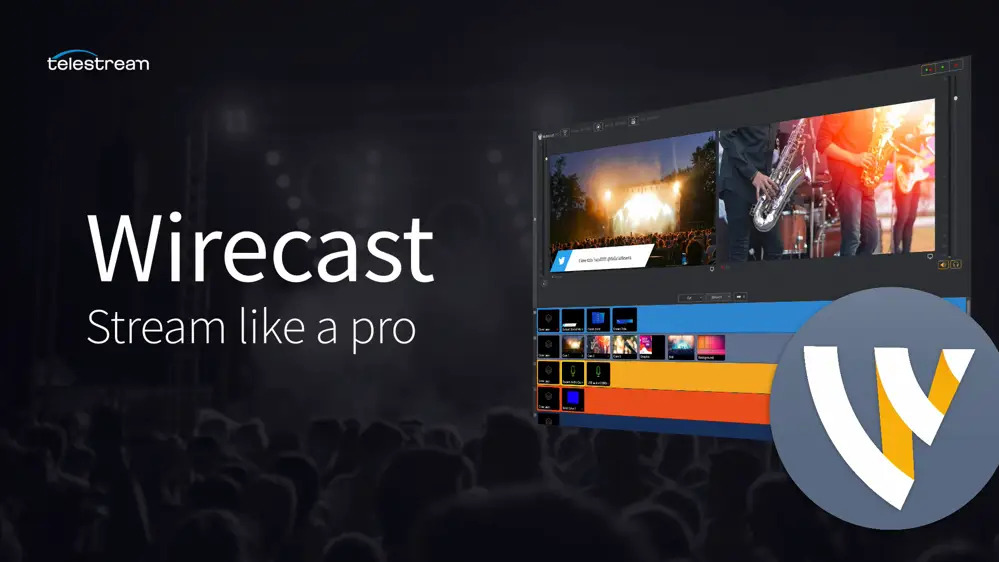
In this article, you learn how to use your PC or Mac to send a live stream to nanoStream Cloud with the Telestream Wirecast Software. This is an example to show how easy it is to get started. nanoStream Cloud also works with other software and hardware encoders, like OBS, VMix, or professional hardware like a JVC connected camera or Videon or Teradek. Also watch our videos!. For a complete...

How to use Wirecast with nanoStream Cloud for Ultra-Low-Latency Live Streaming

In this article, you learn how to use your PC or Mac to send a live stream to nanoStream Cloud with the Telestream Wirecast Software. This is an example to show how easy it is to get started. nanoStream Cloud also works with other software and hardware encoders, like OBS, VMix, or professional hardware like a JVC connected camera or Videon or Teradek.  By the way: On our video page we...

How to use nanoStream Cloud to stream video conference meeting with Jitsi or Zoom

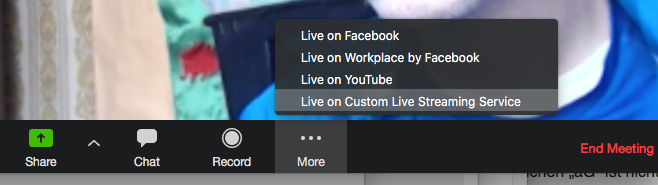
Interactive Video Meetings are everywhere with so many people working or studying from home. For joining a video-based meeting room, you can use several products, like Zoom, Skype, Teams, GotoMeeting, or the web based Jitsi. Most of them are based on downloadable software products with a clear use case: collaborating and speaking full-screen in a closed meeting room with a group of team...

How to use OBS as a live encoder for your nanoStream

In this article, you learn how to use your PC or Mac to send a live stream to nanoStream Cloud with the free OBS (Open Broadcaster) Software. nanocosmos is proudly sponsoring the OBS project to be a reliable software for live streaming. nanoStream Cloud is now available as a streaming destination for better automatic setup in OBS!. Also watch our video tutorial! This is an example to show how...

Search

Categories

Tags

Join Our Newsletter